 CutShort
Stillpointfor android
Daily limits, schedules, and timers. Turn on Commit when you want Android device management to enforce your rules.
$49 once · One phone
Windows · Android 11+ setup · USB cable required
Try a free one-minute block on your phone before buying. Purchases are not open yet.
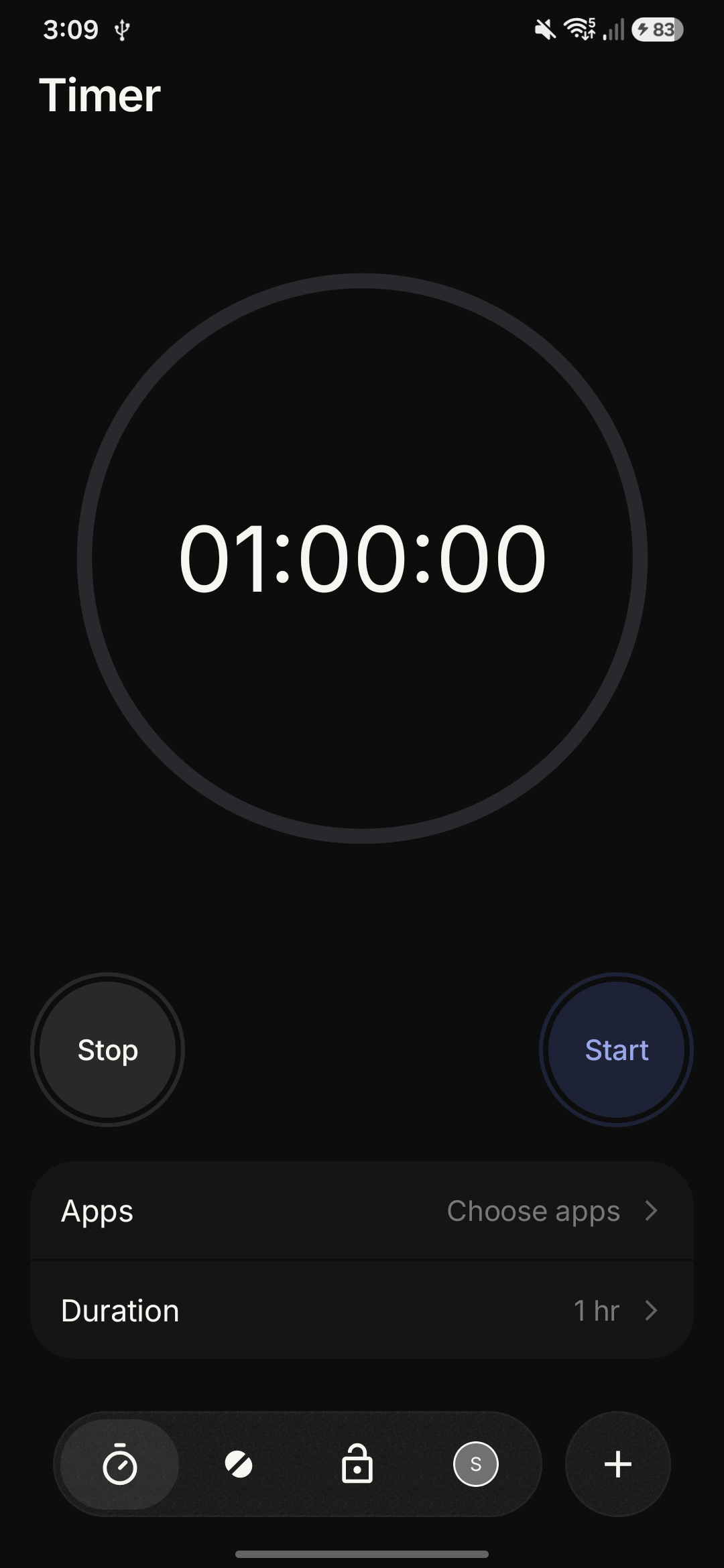
Set your rules on your phone.
Daily limits
Choose each app’s daily allowance. Stillpoint suspends the app when its allowance runs out.
Schedules
Choose apps, days, and a time window. Scheduled blocks run automatically.
Timers and Commit
Start a focus timer. Edit rules freely until you turn on Commit, then unlock with Timer, Charger, or Cooldown.
One USB setup. Then it’s your phone.
- Sign in on your computer.
Download and open Stillpoint. Continue with Google in your browser, then return to the desktop app. No payment is required to set up the free test.
- Connect and set up your phone.
Connect one phone with a USB data cable. Enable USB debugging and approve your computer. Setup checks the phone, then asks for your consent to device management. Enrollment isn’t supported on every device.
- Try a block. Then decide.
Choose one app on your phone and block it for a minute. If it works for you, unlock Stillpoint for $49 once when purchases open. Or remove setup without buying. After activation, configure all your rules on the phone and disconnect.
Before you install
Stillpoint uses Android Device Owner management.
How is this different from CutShort?
CutShort remains free and uses Accessibility-based blocking. Stillpoint is a separate paid app that suspends selected apps through Android device management. Stillpoint includes daily limits, schedules, timers, and Commit, without notes or opening pauses.
Can I change my rules?
Yes. Change rules, pause, and stop timers freely while Commit is off. While Commit is on, existing blocks cannot be weakened; stronger rules and new rules can still be added.
Can I remove management?
Unlock Commit in the phone app, reconnect USB, and choose Remove management in the desktop account menu. This restores the apps Stillpoint blocked, clears its rules, and releases device management. You can then uninstall the Android app.
Does setup reset my phone?
Setup doesn’t factory reset your phone, delete accounts, or remove another manager. Android can refuse enrollment, and the optional existing-phone method isn’t guaranteed to work.
Is blocking impossible to bypass?
Device management provides stronger enforcement, but Android versions, manufacturers, recovery options, and device state still matter. We don’t claim that it is impossible to bypass.
Where is my data?
Rules, app selections, and usage remain on your phone. Licensing uses a phone identifier hash and purchase information. The phone app needs no sign-in. Windows setup uses Google sign-in to purchase and recover activation. Read Stillpoint privacy information.